HDO Box Android Setup in Under 2 Minutes – No Sign Up Needed
If you’ve ever wasted 10 minutes just trying to create an account on a streaming app — only to find out the content you wanted isn’t even available in your country — you’ll understand why HDO Box feels like a breath of fresh air.
No email. No password. No credit card. Just download, open, and watch. In this guide, I’ll show you exactly how to set up HDO Box on your Android device in under 2 minutes. Yes, really.
What is HDO Box?
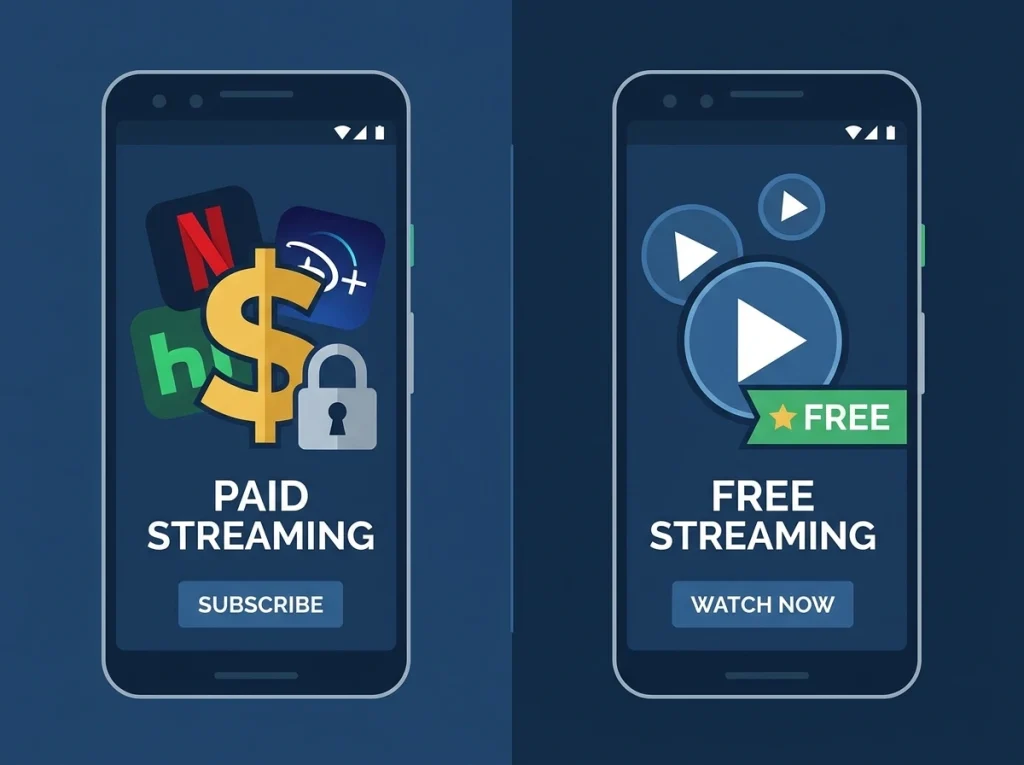
HDO Box is a free streaming app for Android that gives you access to thousands of movies, TV shows, and anime — all in HD and 4K quality. Unlike apps like Netflix or Disney+, there’s no subscription fee and no registration required.
Before You Start — One Setting to Change
Android blocks apps from outside the Play Store by default. This is a safety feature, but it also means you need to allow one setting before installing HDO Box.
Here’s how to do it in seconds:
- Open Settings on your Android phone
- Go to Security (or Privacy on some phones)
- Find Install Unknown Apps
- Select your browser (Chrome or Firefox)
- Toggle it ON
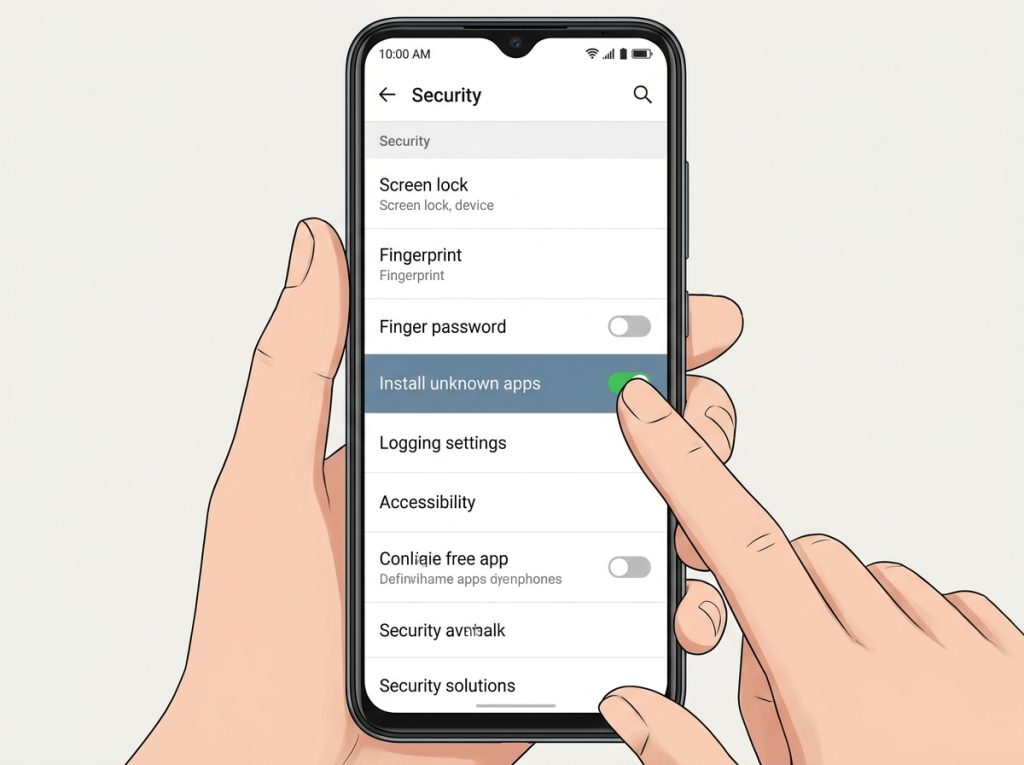
Done. This takes about 30 seconds and you only need to do it once.
How to Download and Install HDO Box Android setup
Now the actual setup — this is where it gets fast.
Step 1: Open your browser and go to hdoboxapps.net
Step 2: Tap the Download Latest Version button on the homepage
Step 3: Wait for the APK file to download (it’s only 35MB, so it’s quick)
Step 4: Open your Downloads folder and tap the HDO Box file
Step 5: Tap Install when the prompt appears
Step 6: Once installed, tap Open
That’s it. From Step 1 to watching your first movie — under 2 minutes on a decent internet connection.
First Time Opening the App — What to Expect
When you open HDO Box for the first time, you’ll notice something immediately: there’s no login screen.
No “Create Account” button. No “Enter your email” field. Nothing like that.
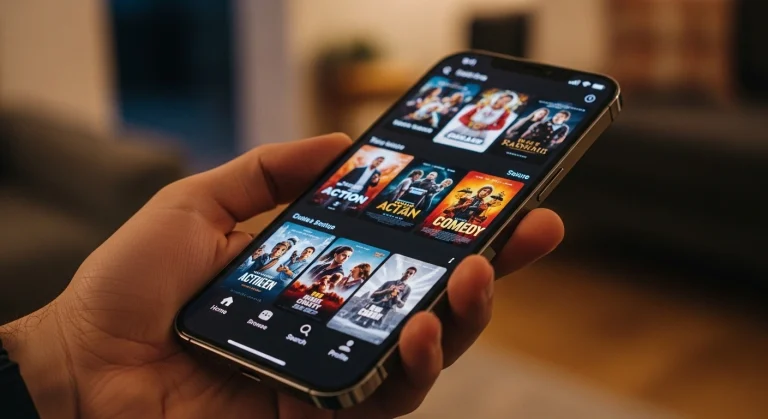
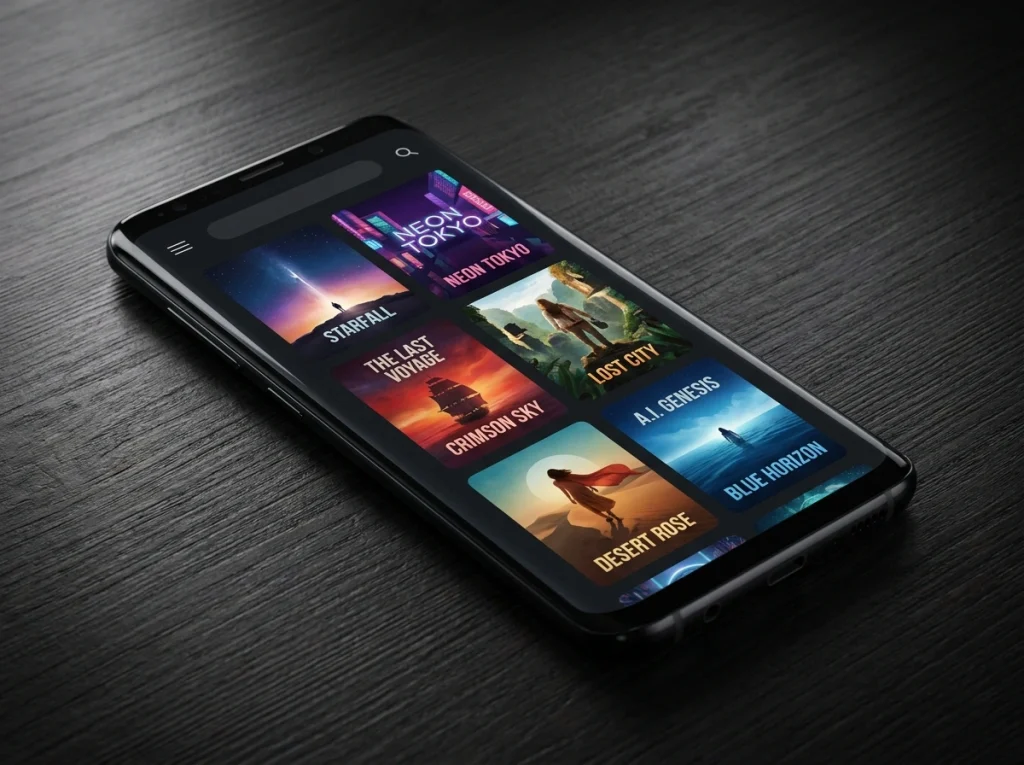
The app opens straight to the home screen where you can see trending movies, new releases, and popular TV shows. You can start browsing right away.
A few things worth knowing on your first open:
- Search bar is at the top — type any movie or show name
- Categories are listed so you can browse by genre
- Subtitle button appears during playback — tap CC to turn on subtitles
- Quality selector lets you choose between SD, HD, and 4K based on your internet speed
Why No Sign Up is Actually a Big Deal
Most streaming apps collect your data the moment you sign up. Your email, watch history, location — it all gets stored.
HDO Box skips that entirely. Since there’s no account system, nothing personal is linked to your usage. You watch what you want, and the app doesn’t track who you are.
For a lot of users, this is actually the main reason they prefer it over other free streaming options.
Quick Tips to Get the Best Experience
Once you’re set up, here are a few things that make a real difference:
Use a stable WiFi connection — 4K content needs at least 25 Mbps. If you’re on mobile data, switch to HD instead to avoid buffering.
Install a media player — HDO Box works best with the MediaOn Player app installed alongside it. It gives you better playback controls and smoother performance.
Enable subtitles — Tap the CC icon during any video. You can choose from 25+ languages and even adjust the font size if the default is too small.
Download for offline — Tap the download icon (↓) on any movie or show to save it locally. Useful when you know you’ll be somewhere without internet.
Common Questions
Is it safe to install? Yes. The APK from hdoboxapps.net has been verified and is safe to install. Just make sure you’re downloading from the official site and not a random third-party link.
Will it slow down my phone? No. At only 35MB, it’s one of the lightest streaming apps available. It won’t affect your phone’s performance or battery life in any noticeable way.
Does it work on all Android versions? HDO Box works on Android 5.0 and above. If your phone is running anything from the last 8-9 years, it should work fine.
What if the app doesn’t install? Double check that you’ve enabled “Install Unknown Apps” for your browser. If you downloaded the APK using Chrome, make sure Chrome specifically has that permission turned on.
Final Thoughts
The streaming world is full of apps that make you jump through hoops — sign up here, verify your email there, enter payment details just to start a free trial. HDO Box cuts all of that out completely.
Two minutes. One APK. No account. That’s the whole pitch — and honestly, it delivers on it.
If you haven’t tried it yet, the setup is simple enough that there’s really no reason not to.