Is HDO Box Safe? A Deep Dive into Malware Scans and Data Privacy
In the world of free streaming, HDO Box has surfaced as a popular choice for users looking to access a massive library of movies and TV shows without a subscription. However, when an app isn’t available on the official Google Play Store or Apple App Store, one question always follows: Is HDO Box safe?
For streamers in 2025, the stakes are higher than ever. With increasing reports of “Badbox” malware targeting Android devices and rising concerns over data harvesting, it is vital to look under the hood of this application before you hit “Install.”
What is HDO Box?
HDO Box is a third-party streaming application that aggregates links from various servers across the internet to provide high-definition content. Unlike Netflix or Disney+, it does not host its own content. Because it bypasses traditional app stores, it must be “sideloaded” using an APK file (on Android) or specialized tools like Downloader (on Firestick).
Is HDO Box Safe? Analyzing the Risks
When evaluating the safety of a third-party APK, we have to look at two primary areas: the presence of malicious code (Malware) and how the app handles your personal information (Privacy).
1. Malware and Virus Scans
Most standard VirusTotal scans of the official HDO Box APK versions (like v2.0.20) often return “clean” results. Unlike some older “jailbreak” apps that were riddled with trojans, HDO Box is generally considered technically safe from aggressive malware by the streaming community.
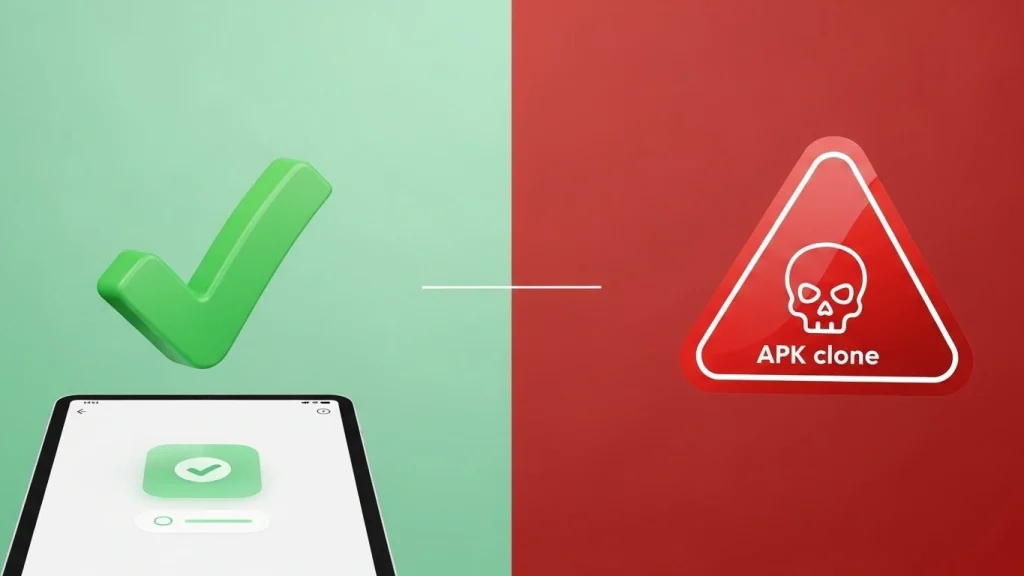
However, the risk often lies in where you download the file. Because there is no “official” store, many “clone” websites host modified versions of the APK that may contain:
- Adware: Excessive pop-ups that can slow down your device.
- Backdoors: Allowing remote access to your home network.
- Botnets: Recent FBI warnings in 2025 have highlighted “Badbox” malware that turns devices into proxies.
2. Data Privacy Concerns
Even if the app doesn’t contain a virus, Is HDO Box safe regarding your private data? Third-party apps often request permissions that they don’t strictly need.
The Legal Grey Area
Safety isn’t just about viruses; it’s also about legal security. Streaming copyrighted content can lead to ISP warnings or legal notices in specific jurisdictions.
How to Stay Safe While Using HDO Box
1. Use a Verified VPN
Masks your IP address and prevents ISP tracking.
2. Reputable Sources
Only download from vetted community links or official devs.
3. Restrict Permissions
Disable access to camera, location, and microphone.
4. Ad-Blocking DNS
Use NextDNS to block malicious redirects automatically.
Final Verdict: Should You Use It?
Technically, HDO Box is safer than many of its predecessors, but it is not “risk-free.” The app is a “use at your own risk” tool. For users who prioritize security and want 100% peace of mind, sticking to certified platforms like Hulu or Disney+ is always the better choice.