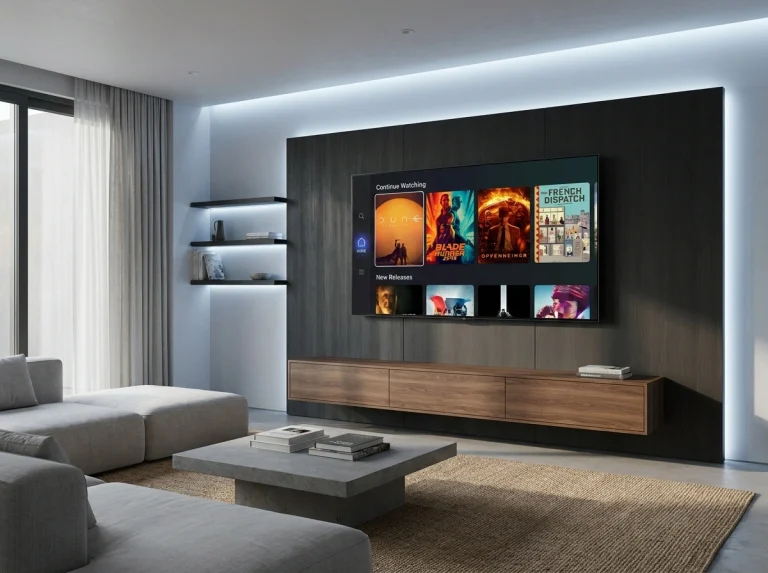
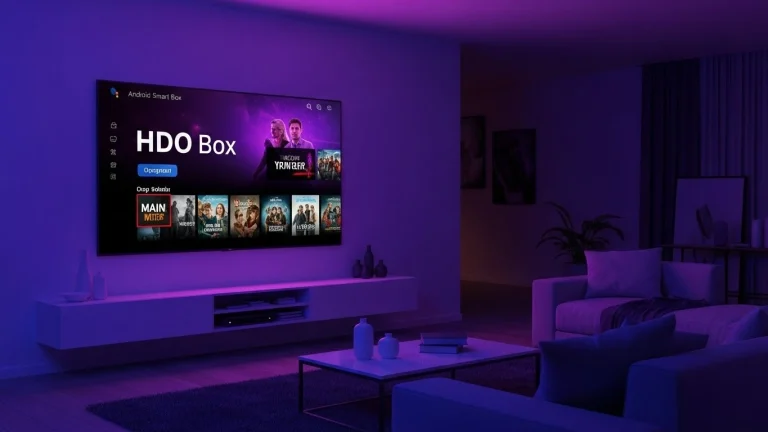
How to Connect HDO Box Trakt and Optimize High-Speed Streams
Streaming entertainment has evolved past the era of endlessly scrolling through libraries trying to figure out what to watch next. Today, avid viewers demand automation, seamless cross-device synchronization, and instant playback quality. If you use media management utilities, integrating your tracking data changes everything. Executing a proper hdo box trakt setup ensures that every movie or TV episode you watch is instantly logged, your watchlists remain synchronized, and your playback history follows you across every device you own.
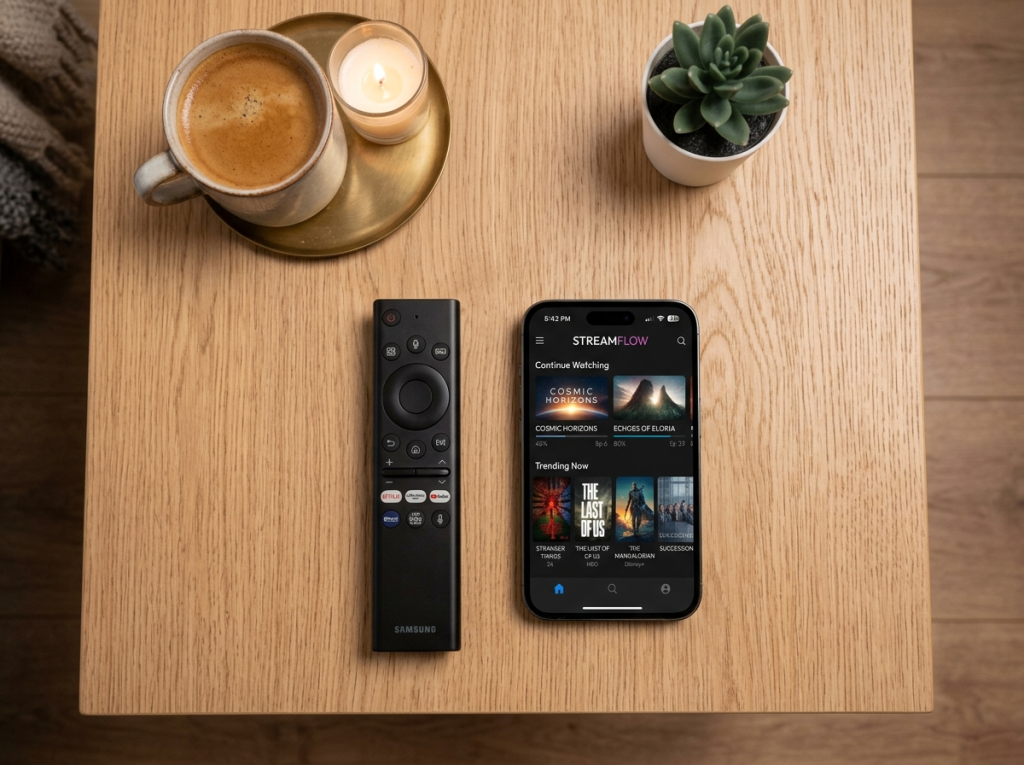
Beyond simple synchronization, combining media tracking with optimized playback settings eliminates buffering and elevates your home entertainment setup. In this complete guide, you will learn how to configure your account, sync your media history, and maximize streaming speeds for uninterrupted viewing.
Why Complete an HDO Box Trakt Setup?
Trakt acts as the ultimate digital logbook for your entertainment habits. When you integrate it with your media player, you unlock several major benefits:
Automatic Scrobbling
As soon as you finish watching an episode, your profile updates automatically without manual check-ins.
Cross-Platform Syncing
Whether you switch from a smart TV to a mobile device, your progress is always saved right where you left off.
Curated Recommendations
The platform analyzes your viewing history to suggest similar titles tailored to your exact taste.
Step-by-Step Guide to Configure Your Integration
Getting your account linked takes only a few minutes. Follow this streamlined workflow to complete your configuration:
Launch Your Application
Open the media interface on your device and head directly to the application Settings menu.
Select Account Integration
Look for the external services or tracking section and choose the Trakt login option.
Note the Activation Code
The screen will generate a short alphanumeric code along with a secure authorization URL.
Authorize via Web
Visit the provided URL on any web browser, sign into your tracking profile, and enter the code to confirm the connection.

Once authenticated, your dashboard will refresh, confirming that your watch history is successfully linked.
How to Optimize High-Speed Streams for Buffer-Free Playback
A successful synchronization is only half the battle; maintaining smooth, high-resolution playback requires proper network and player tuning.
Network Optimization Tactics
- Prioritize 5GHz Wi-Fi Bands: Connect your streaming hardware to a 5GHz frequency band or use a direct Ethernet cable to minimize wireless interference and packet loss.
- Clear Background Cache: Regularly purge temporary app files inside your device settings to free up processing memory.
- Select External Players: Pair your app with optimized external video decoders like VLC or MX Player for superior hardware acceleration and smoother frame rates.
Conclusion
Mastering your hdo box trakt setup transforms a standard media player into a personalized, fully synchronized entertainment hub. By automating your viewing logs and fine-tuning your network performance, you eliminate frustrating interruptions and enjoy pristine streaming quality. Take a few minutes to complete these steps today, and enjoy a smarter, faster media experience.